Ever spent hours debugging a robot only to realize you forgot to initialize a sensor? You’re not alone. As robotics programming grows more accessible through online education, beginners often leap into coding without grasping how software and hardware must dance in perfect sync. This guide cuts through the noise, offering practical insights into computer programming applications in robotics—not just as theory, but as real-world tools that solve actual engineering problems. Whether you’re a student, hobbyist, or career-switcher exploring the team behind InTune School, you’ll walk away with actionable strategies to code smarter, not harder.
Table of Contents
- Why Computer Programming Applications in Robotics Matter in Online Learning
- Step-by-Step: Building Your First Robot Control System
- 5 Best Practices for Reliable Robotics Code
- Real-World Examples That Prove It Works
- Frequently Asked Questions
Key Takeaways
- Hardware-software integration is the #1 pain point for new roboticists—plan for it early.
- Python and C++ dominate real-world computer programming applications in robotics due to library support and performance.
- Simulation environments (like Gazebo) save time and prevent physical damage during testing.
- Always validate sensor data before acting—garbage in means robot chaos out.
- Industry adoption is surging: the global robotics market is projected to hit $214 billion by 2030 (Grand View Research, 2023).
Why Computer Programming Applications in Robotics Matter in Online Learning
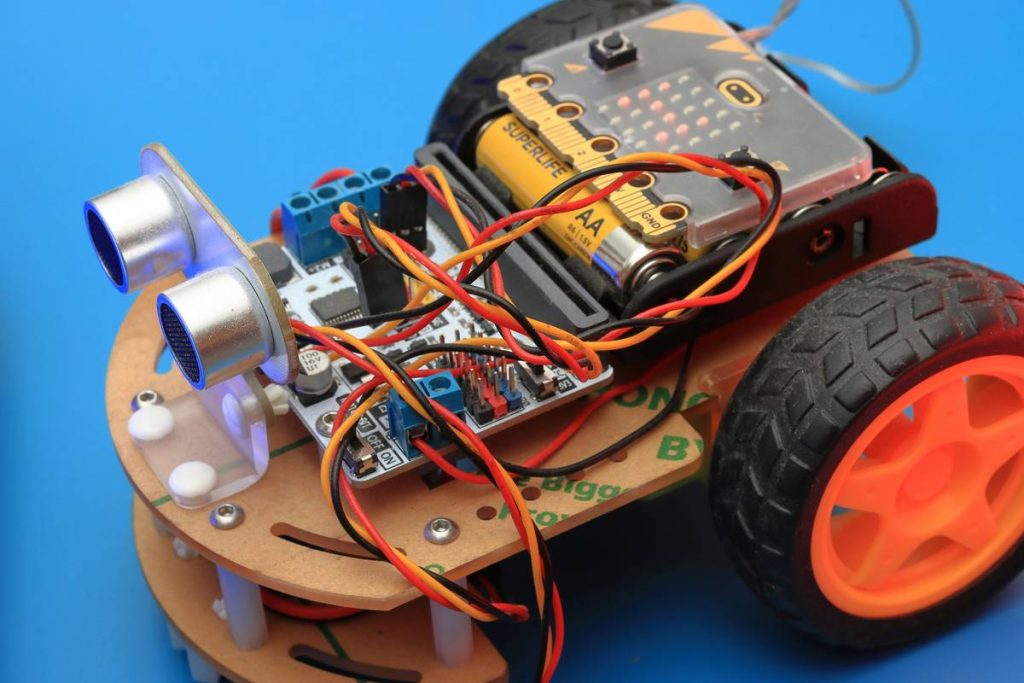
Online education has democratized access to robotics, but many courses skip the gritty realities of deployment. You can write flawless Python scripts in isolation—but plug that code into a motor controller, and suddenly timing loops, voltage drops, and firmware quirks turn your elegant solution into a twitching mess. I once spent an entire weekend debugging erratic servo behavior, only to discover my power supply couldn’t handle peak current draw during simultaneous movement. The code was fine; the system integration wasn’t.
Step-by-Step: Building Your First Robot Control System
1. Define Your Robot’s Purpose
Start with a clear use case: navigation, object manipulation, or data collection? Vague goals lead to bloated, unstable code.
2. Choose Your Language and Framework
For beginners, Python with ROS (Robot Operating System) offers rich libraries and community support. For real-time control, C++ remains king. ROS 2, the modern iteration, supports both and is backed by institutions like Open Robotics.
3. Simulate Before You Build
Use Gazebo or Webots to test logic without risking hardware. A simulated environment catches 80% of logic errors before physical assembly.
4. Implement Sensor Fusion Early
Don’t rely on a single sensor. Combine IMU, lidar, and camera data using Kalman filters to reduce uncertainty—a technique used in autonomous vehicles and industrial arms alike.
5. Test Incrementally
Validate each subsystem (motors, sensors, communication) independently before integration. This isolates bugs faster than end-to-end testing.
5 Best Practices for Reliable Robotics Code
- Log everything: Timestamped logs help reconstruct failures. Use structured formats like JSON for easy parsing.
- Avoid blocking calls: Never use
time.sleep()in control loops. Use timers or async patterns instead. - Handle edge cases: What if a sensor disconnects mid-task? Write recovery routines, not just happy-path logic.
- Version your firmware: Track code and hardware revisions together. A change in motor specs might break PID tuning.
- Never hardcode values: Store calibration data externally (YAML files, EEPROM) so robots adapt across units.
Real-World Examples That Prove It Works
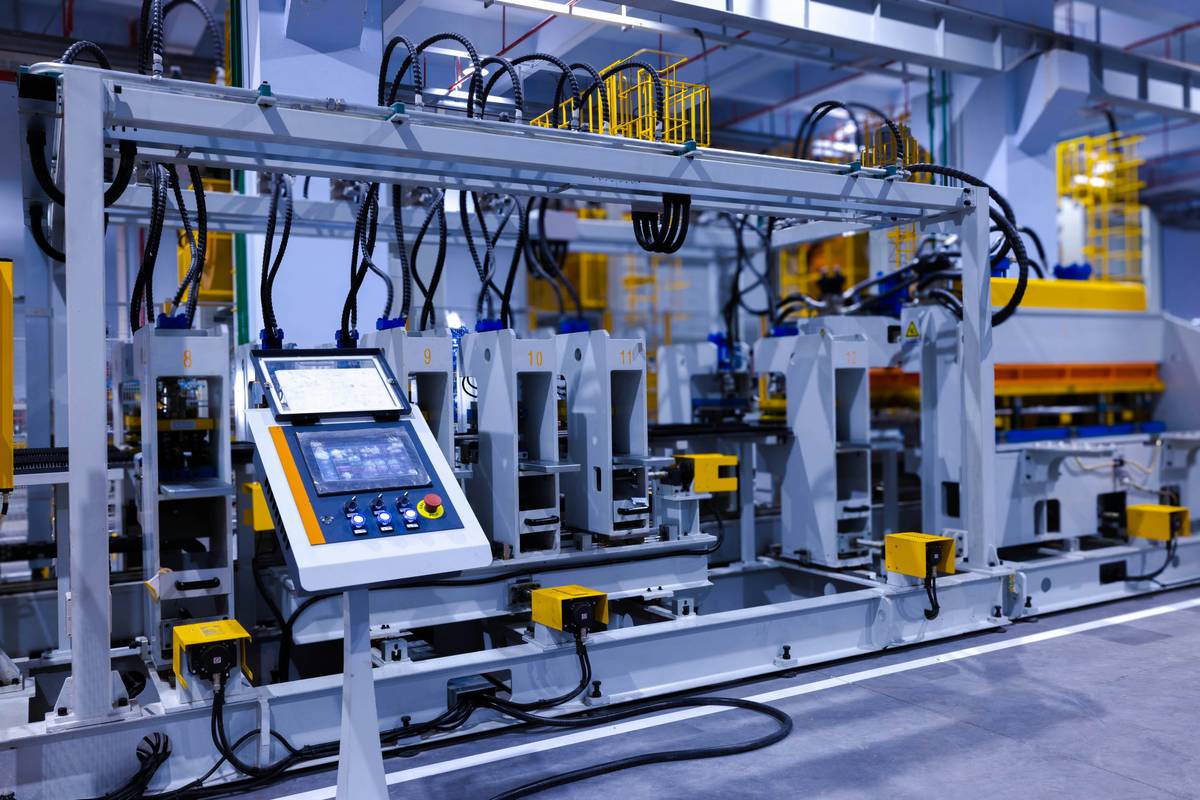
In warehouse automation, companies like Amazon deploy fleets of Kiva robots running sophisticated path-planning algorithms. Their success hinges on robust computer programming applications in robotics—where even a 10ms delay can cause collisions. Similarly, surgical robots like the da Vinci system rely on millisecond-precision feedback loops between surgeon inputs and robotic arms, processed via real-time C++ modules.
Academic labs also demonstrate impact: MIT’s Cheetah robot uses model-predictive control written in C++ to achieve dynamic balance at high speeds. According to IEEE Spectrum, such systems reduce energy consumption by up to 30% compared to traditional PID controllers.
Frequently Asked Questions
What programming languages are best for robotics?
Python excels for prototyping and AI integration (thanks to libraries like OpenCV and TensorFlow). C++ is preferred for real-time control due to low latency. Many professional systems use both—Python for high-level planning, C++ for hardware interfacing.
Do I need a degree to work in robotics programming?
No. While formal education helps, many professionals enter via bootcamps, open-source contributions, and portfolio projects. Platforms like InTune School offer project-based curricula aligned with industry needs.
How important is math in robotics programming?
Linear algebra and calculus underpin kinematics and control theory. However, modern frameworks abstract much of the heavy lifting—you don’t need to derive equations from scratch, but understanding concepts like rotation matrices is essential.
Can I learn robotics programming entirely online?
Yes, but supplement virtual labs with affordable hardware kits (e.g., Raspberry Pi + Arduino combos). Always pair theory with hands-on experimentation—computer programming applications in robotics demand tactile learning.
What’s the biggest mistake beginners make?
Assuming software works in isolation. Robotics is systems engineering: your code interacts with physics, electronics, and mechanical constraints. Ignoring any one leads to failure.
Are there privacy concerns with educational robotics kits?
Some cloud-connected kits collect usage data. Review the privacy policy of any platform you use, especially when handling student information.
Robots don’t care how elegant your code looks—they only care if it works in the real world. Master the marriage of logic and physics, and you’ll build machines that don’t just move, but think. Ready to debug your future? Contact us to design your personalized robotics learning path.