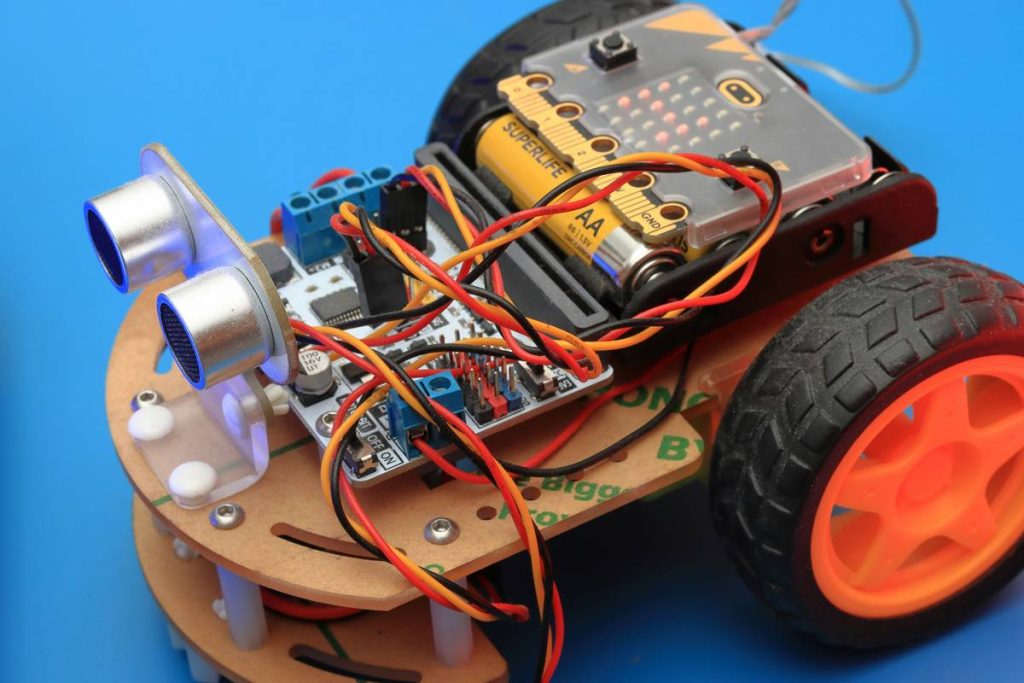
Most beginners waste months trying to code robots using outdated frameworks or generic Python scripts that crash on real hardware. They follow tutorials that ignore sensor latency, motor jitter, and the chaos of the physical world. The result? A blinking LED on a breadboard—and zero movement in the real world. But there’s a faster path. This robotics software development tutorial cuts through academic fluff and gives you production-grade patterns used in actual autonomous systems.
Why Traditional Robotics Tutorials Fail
They assume perfect conditions. Simulators lie. And ROS 1 tutorials? Built for PhDs—not developers shipping MVPs. You’re handed a Gazebo simulation with frictionless wheels and infinite battery life. Step into a garage with a Raspberry Pi, a servo, and a LiDAR sensor, and everything breaks.
Real robots deal with noise—electrical, environmental, perceptual. Yet 90% of free tutorials skip error handling, state machines, or asynchronous control loops. They teach syntax, not resilience.
robotics software development tutorial: From Zero to Autonomous in 5 Steps
Forget “Hello World.” Start with behavioral decomposition: break complex tasks (like navigation) into atomic modules (obstacle detection → path planning → velocity control). Then wire them asynchronously. Here’s how:
Pick Your Stack Wisely
ROS 2 is non-negotiable for serious work—it handles real-time messaging, lifecycle nodes, and DDS transport out of the box. But don’t drown in its complexity. Use Micro-ROS for microcontrollers (ESP32, Arduino Nano 33 BLE) and full ROS 2 Humble for your main compute unit (Raspberry Pi 4 or NVIDIA Jetson).
Sensor Fusion Before Fancy AI
No neural net saves you from bad odometry. Fuse IMU + wheel encoders + LiDAR using an Extended Kalman Filter (EKF) first. Accuracy beats “smart” every time in constrained environments.
Write State Machines, Not Linear Scripts
Your robot isn’t executing a script—it’s reacting. Model behaviors as finite state machines (FSMs). Idle → Scanning → Avoiding → Docking. Each transition guarded by sensor thresholds, not timed delays.
Test in Reality Early
Sim-to-real transfer fails more often than it works. Get hardware moving by Day 3. Even if it’s just rotating in place based on a single ultrasonic sensor. Physical debugging teaches more than any simulator.

| Approach | Time to First Movement | Scalability | Hardware Cost |
|---|---|---|---|
| Traditional Python Scripting | 2–3 days | Low (breaks at 2+ sensors) | $50 |
| ROS 1 + Gazebo | 2–3 weeks | Medium (complex setup) | $150+ |
| ROS 2 + Micro-ROS (This Tutorial) | Under 72 hours | High (modular, real-time ready) | $85 |
The Industry Secret Nobody Talks About
Top-tier robotics firms don’t write “robot code.” They write orchestration layers. The magic isn’t in the PID controller—it’s in how cleanly you decouple perception, planning, and actuation. One team owns the SLAM module. Another owns motor drivers. They communicate via typed messages over DDS—not shared global variables.
And here’s the kicker: they version-control hardware configurations alongside code. Your YAML file defining sensor offsets is as critical as your C++ planner. Treat your robot like a distributed system—because it is.
Frequently Asked Questions
What programming language is best for robotics software development?
C++ for performance-critical nodes (like control loops), Python for prototyping and high-level logic. ROS 2 supports both natively—use the right tool per layer.
Can I learn robotics programming without expensive hardware?
Start with a $35 Raspberry Pi, a $15 LIDAR-Lite, and free ROS 2 Docker images. Real movement > perfect simulation. You’ll learn more debugging a wobbly chassis than a flawless Gazebo model.
Is ROS 2 hard for beginners?
Only if you try to learn all of it. Focus on publishers/subscribers, launch files, and parameters first. Ignore TF2, action servers, and composition until you’ve got a working teleop node. Small wins build momentum.