Most beginners jump into python for robotics tutorial content expecting plug-and-play code—only to crash into hardware abstraction layers, incompatible libraries, or real-time control nightmares. You’re not failing. The tutorials are.
Why Generic Python Robotics Tutorials Fail in the Real World
They assume your robot is a Jupyter Notebook with wheels. Reality? Latency kills. Threading mistakes freeze motors mid-task. And ROS1 dependencies rot faster than a Raspberry Pi in monsoon humidity.
And here’s the kicker: most open-source “examples” were written for labs with $10k sensors—not your $50 Arduino bot.
python for robotics tutorial: From Zero to Physical Movement
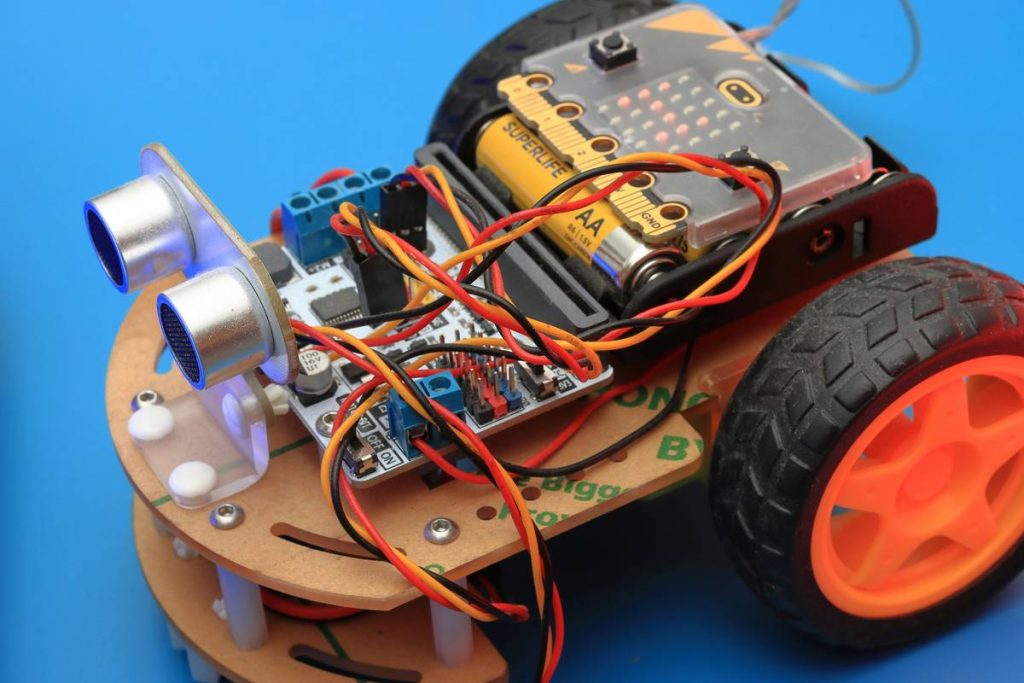
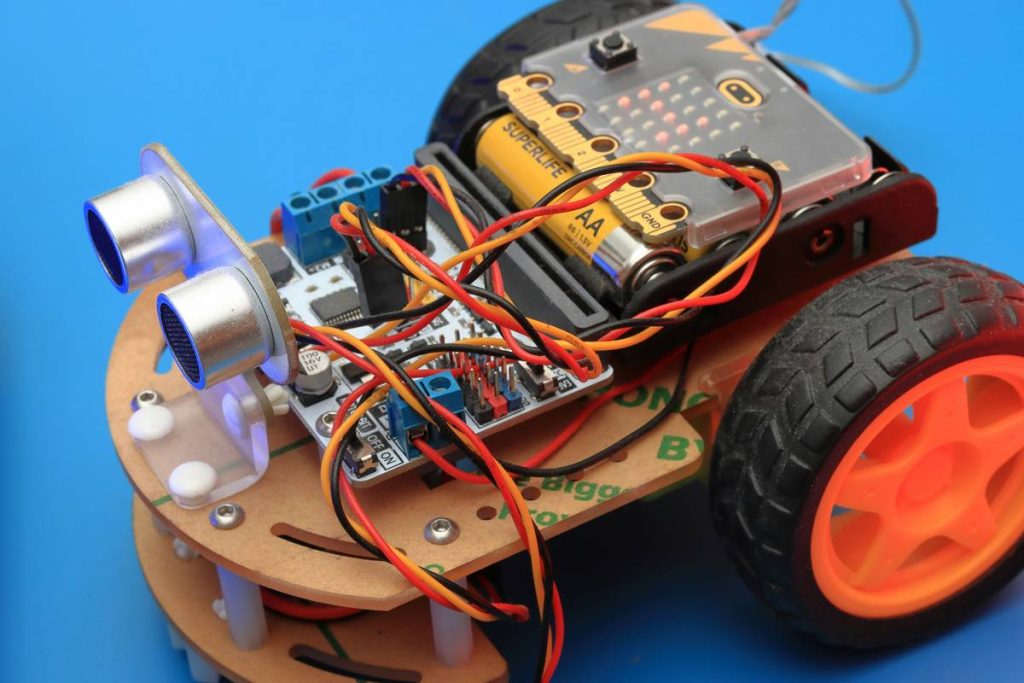
Forget theory. We’re wiring logic to metal. This workflow works on a RasPi 4 + L298N motor driver combo—a setup under $75.
Pick Your Control Layer Wisely
Use RPi.GPIO only for simple on/off. For pulse-width modulation (PWM) with precise timing? Switch to pigpio. It runs as a daemon, bypassing Linux kernel scheduling jitter—critical for consistent wheel speed.
Simulate Before You Solder
Test logic in Webots first. Yes, even if you hate simulators. Catch that inverse kinematics bug before it strips your gear teeth.
Structure Your Code Like a Pro
No monolithic scripts. Separate concerns: sensor input → decision engine → actuator output. Wrap hardware calls in try/except blocks. Because when I2C fails at 2 a.m., your robot shouldn’t brick itself.
| Approach | Hardware Needed | Python Lib | Real-Time Reliability |
|---|---|---|---|
| Bare GPIO | Raspberry Pi | RPi.GPIO | Low (OS interrupts cause delays) |
| Dedicated PWM Daemon | RasPi + pigpio daemon | pigpio | High (microsecond precision) |
| ROS 2 (Humble) | Any Linux SBC | rclpy | Medium (depends on QoS settings) |
The Industry Secret: Timing Isn’t Everything—Predictability Is
Senior robotics engineers don’t chase nanosecond latency. They design for bounded worst-case delay. Your motor loop might run at 10ms average—but if it spikes to 200ms once an hour, your navigation stack collapses.
Here’s how we fix it: run critical loops in a separate thread with sched_setscheduler() to get near-real-time priority on Linux. Not perfect—but good enough for 95% of educational bots.
And ditch pure Python for time-critical PID loops. A 20-line C extension via Cython gives you deterministic timing without rewriting everything in Rust.
Frequently Asked Questions
Can I use Python for industrial robot arms?
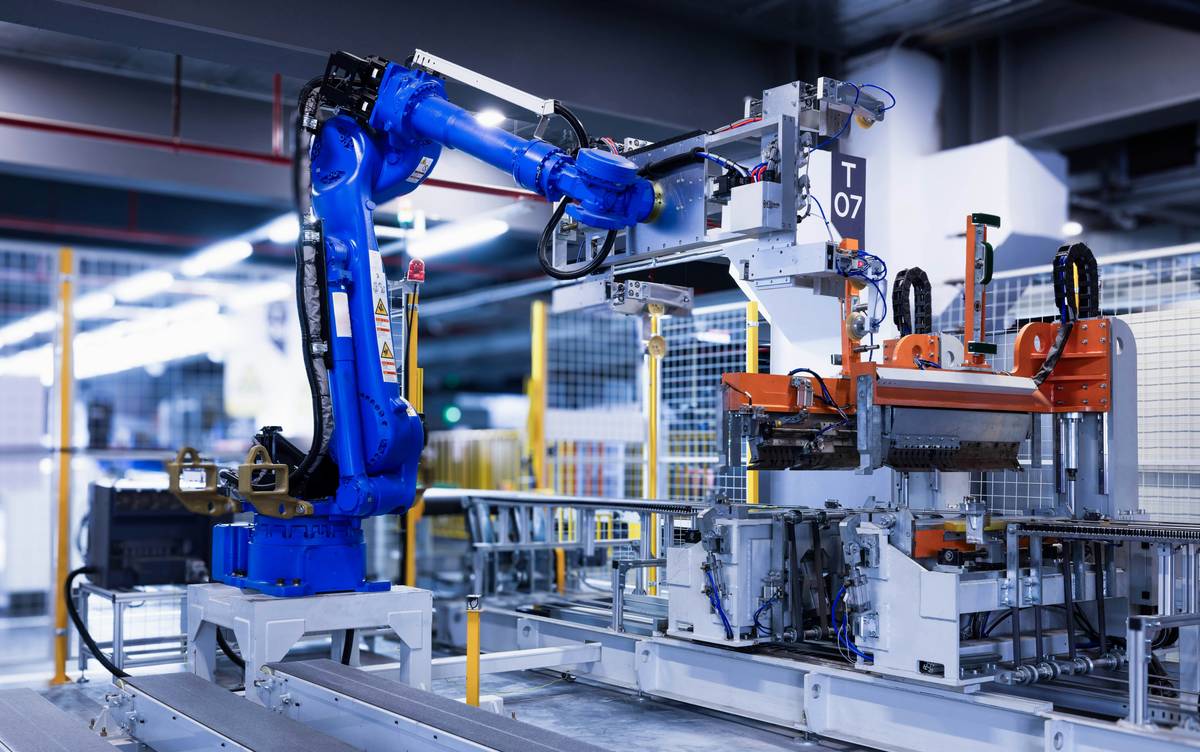
Not directly. Industrial arms use proprietary controllers. But Python (via ROS or Modbus TCP) can orchestrate high-level tasks—like vision-guided pick-and-place sequences.
Do I need ROS to start with python for robotics tutorial projects?
No. ROS adds complexity. Start with direct GPIO or serial control. Add ROS only when you need SLAM, multi-sensor fusion, or distributed nodes.
Which Python version is best for robotics?
Python 3.9 or 3.10. Newer versions break some embedded libraries. Stick to LTS-supported releases for stability over shiny features.