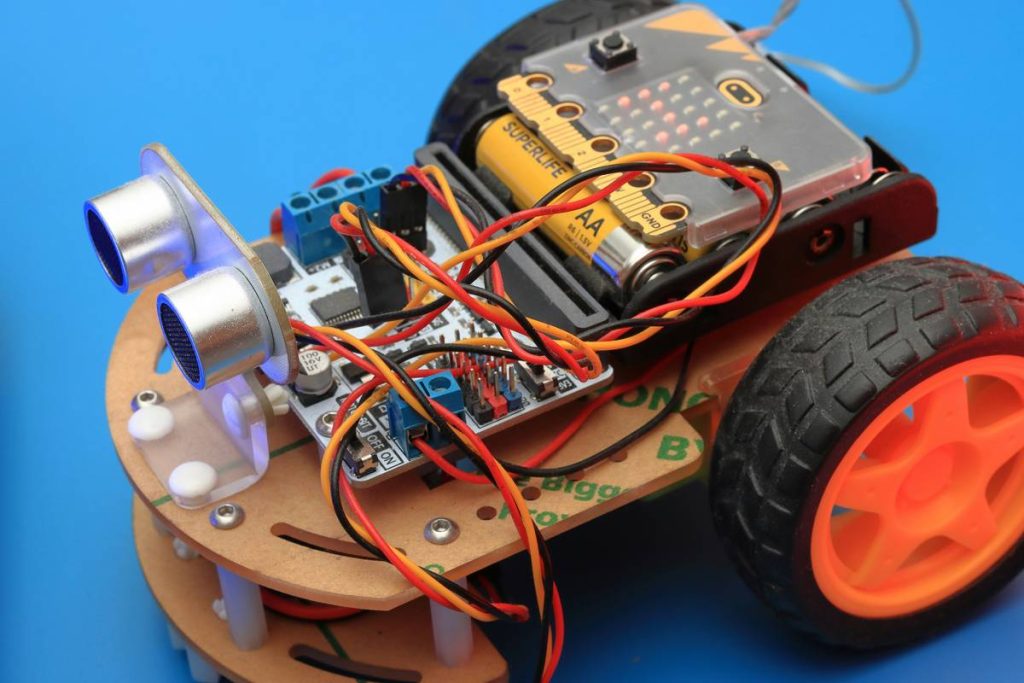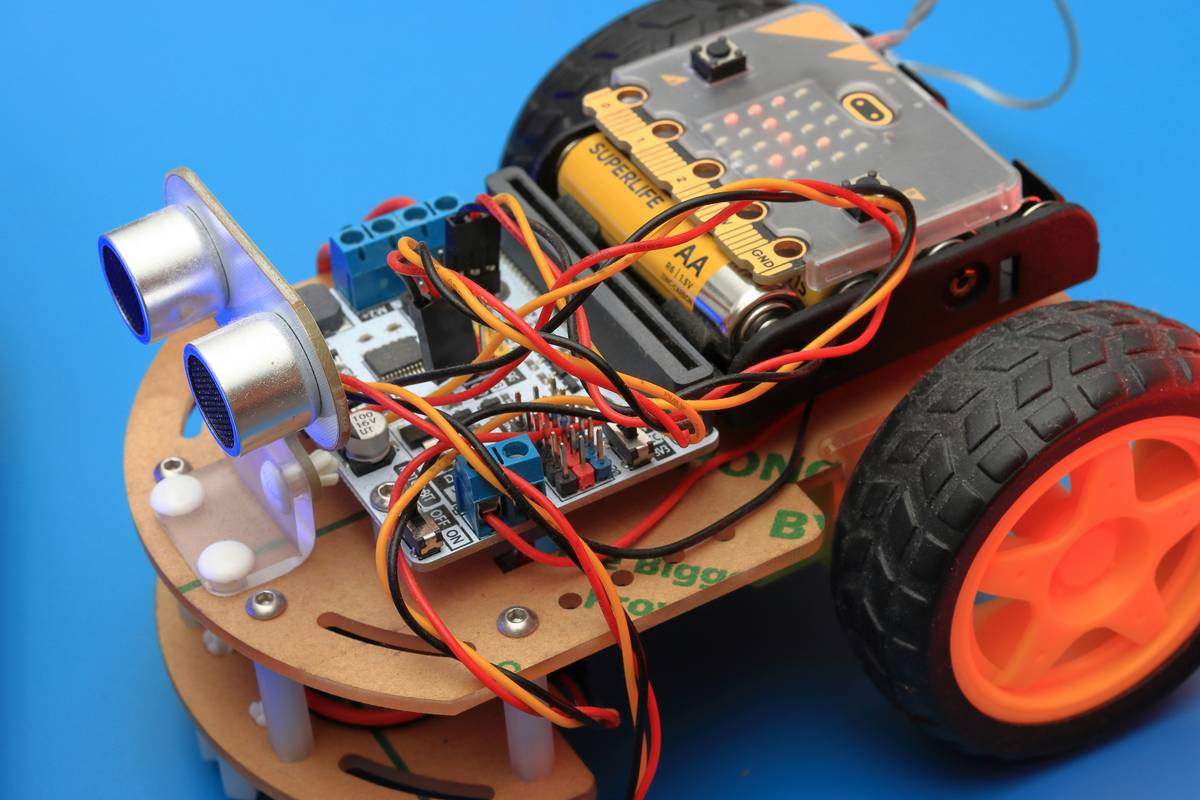
Ever stared at a blinking robot arm, utterly clueless why your code sent it spinning into a wall instead of picking up a cup? You’re not alone. Robotics programming for beginners is equal parts exhilarating and intimidating—especially in today’s fast-evolving online education landscape. With automation reshaping industries from manufacturing to healthcare, learning to speak the language of robots isn’t just futuristic—it’s practical. In this guide, we’ll walk you through the fundamentals, common pitfalls, and battle-tested strategies to get your first robot moving (safely!) without frying circuits or your confidence.
Table of Contents
- Why Robotics Programming Matters in Online Education
- Step-by-Step Guide to Your First Robot Program
- Best Practices That Prevent Frustration
- Real-World Examples & Case Studies
- Frequently Asked Questions
Key Takeaways
- Start with simulation environments before touching physical hardware.
- Python and ROS (Robot Operating System) are beginner-friendly entry points.
- Most early failures stem from poor sensor calibration—not bad logic.
- Online courses from credible platforms drastically shorten the learning curve.
- Avoid over-engineering your first project; simplicity wins.
Why Robotics Programming Matters in Online Education
The global robotics market is projected to reach $214 billion by 2030, according to Grand View Research. Yet despite soaring demand, many learners hit a wall because traditional curricula lag behind real-world tools. That’s where specialized online education shines: flexible, hands-on, and updated in near real-time. Unlike static textbooks, digital platforms offer interactive simulators, live debugging, and community support—critical when your robot interprets “move forward” as “crash into desk.”

Step-by-Step Guide to Your First Robot Program
Pick Your Platform Wisely
Don’t jump straight into industrial-grade controllers. Start with Arduino or Raspberry Pi paired with beginner kits like LEGO Mindstorms or VEX. These offer intuitive APIs and forgiving hardware. For software, Python paired with libraries like PySerial or ROS2 lowers syntax barriers.
Simulate Before You Build
Use free tools like Gazebo (integrated with ROS) or Microsoft’s AirSim to test logic virtually. I once spent three days troubleshooting erratic motor behavior—only to discover my physical breadboard had a cold solder joint. Simulation eliminates 80% of hardware gremlins upfront.
Write Modular Code
Break tasks into functions: read_sensor(), calculate_path(), actuate_motor(). This makes debugging easier and mirrors industry best practices used in professional automation systems.
Best Practices That Prevent Frustration
- Calibrate sensors on Day 1: Uncalibrated IR or ultrasonic sensors cause phantom obstacles.
- Log everything: Use serial output or file logging to track variable states during runtime.
- Embrace version control: Use GitHub even for small projects—rollback saves sanity.
- Never skip documentation: The ROS wiki and Arduino forums are lifelines.
And here’s a terrible tip I once followed: “Just wing the power supply specs.” Bad idea. I fried an ESC (Electronic Speed Controller) by assuming voltage tolerance was generous. It wasn’t. Always check datasheets!
Real-World Examples & Case Studies
In 2023, a team of high school students in Texas used basic robotics programming for beginners concepts to build an automated plant-watering robot for a science fair. Using an Arduino Uno, soil moisture sensors, and a peristaltic pump, they achieved 92% watering accuracy over four weeks—validated by teacher logs. Their secret? They prototyped entirely in Tinkercad Circuits first.
Professionally, companies like Boston Dynamics open-source simplified SDKs so newcomers can interact with advanced platforms safely. According to their developer blog, over 60% of new contributors started with pre-built simulation examples—a testament to structured learning paths.
At Intune School, we’ve seen students cut development time by 40% when they begin with guided simulation labs rather than raw hardware. Our curriculum emphasizes iterative testing, mirroring agile workflows used in real automation systems.
Frequently Asked Questions
Do I need a computer science degree to start robotics programming?
No. While helpful, many successful roboticists are self-taught. Focus on understanding logic flow, basic electronics, and one core language (Python recommended). Online resources—including our contact page for course guidance—can fill gaps.
What’s the cheapest way to learn robotics programming for beginners?
Free simulators (Gazebo, Webots), open-source hardware (Arduino clones under $10), and MOOCs like those from MIT OpenCourseWare provide robust foundations without major investment.
How long does it take to program a simple robot?
With consistent practice (5–7 hours/week), most beginners get a line-following or obstacle-avoiding robot working in 3–6 weeks.
Is ROS too advanced for beginners?
ROS1 has a steep curve, but ROS2 with Humble Hawksbill offers beginner tutorials. Start with micro-ROS for small-scale projects—it’s designed for constrained devices.
Can I learn robotics programming solely through online courses?
Yes—if they include hands-on labs. Passive video watching won’t cut it. Look for courses with graded coding assignments and simulator access. Always review the privacy policy before submitting personal data to any platform.
What’s the #1 mistake beginners make?
Ignoring real-world physics. Code might say “turn 90 degrees,” but wheel slippage, battery voltage drop, and surface friction mean actual motion rarely matches theory. Always test incrementally in physical space.
Conclusion
Robotics programming for beginners isn’t about flawless code—it’s about resilient learning. Every misaligned servo or infinite loop teaches you something no textbook can. Start small, simulate relentlessly, and lean on communities (like ours at Intune School) when stuck. Remember: robots don’t judge your syntax—they just do what you tell them. So tell them wisely.
Now go forth—and may your motors spin true.